

Your first device
Make your first Castle device in one window: pick a phone or a computer, a system and a version, then Create. What you will see while it is made.
By the end of this page you will have a device of your own in Castle’s list, ready to open.
A device is a computer or phone that Castle runs for you and your agent. You can make one yourself, with no agent at all.
Make one
- In Castle, press New Device….
- Choose A phone or A computer.
- Choose a system: a Mac, an Ubuntu or a Windows 11 for a computer, an Android for a phone. For Ubuntu, choose Desktop (with a screen) or Server (the command line only).
- Choose a version, where there is a choice.
- Press Create.
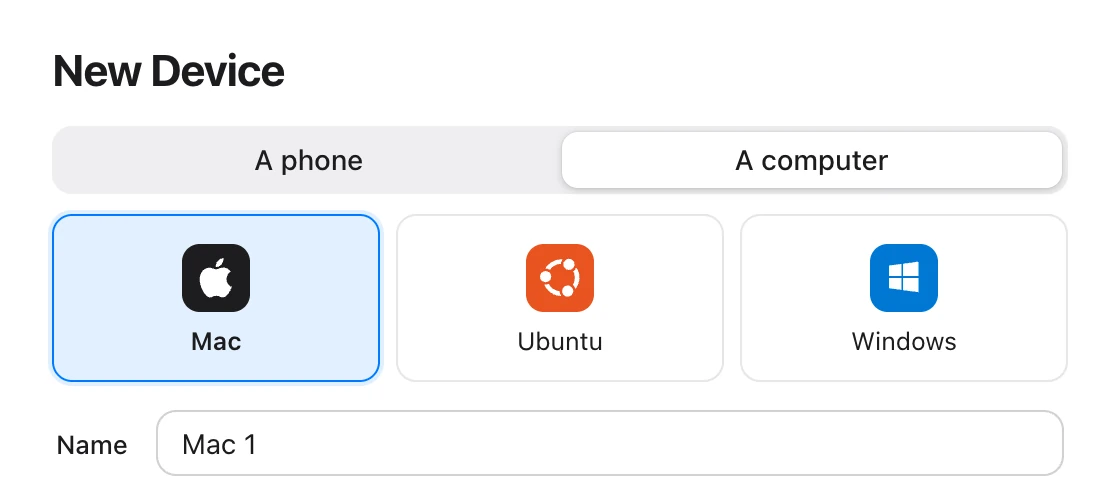
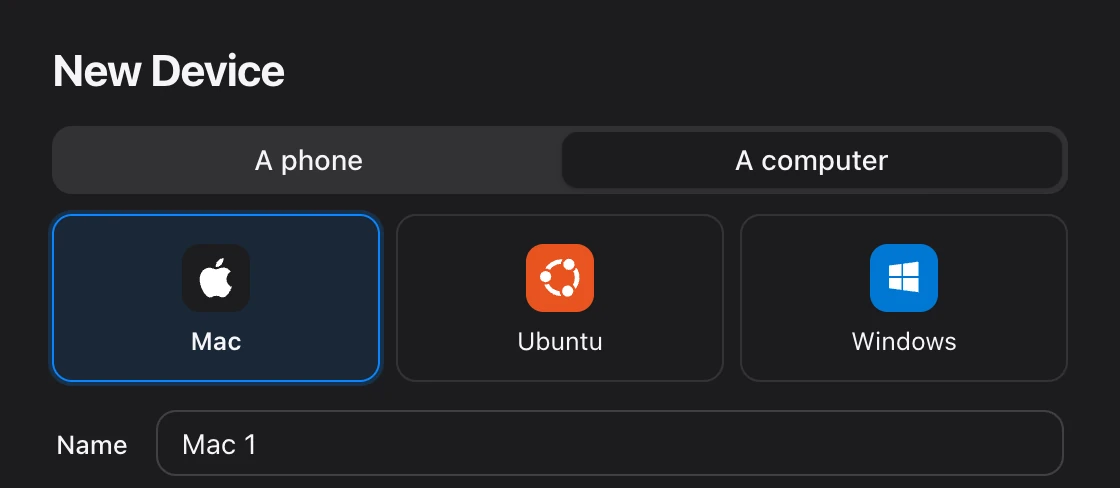
While it is made
Create makes the device and opens its page. The page shows the steps as they go, and a time as a range of minutes.
- The first device of each kind downloads its system, so it takes longer. A Mac takes minutes. While a download stands still, Castle shows no time.
- Some systems ask you to agree to their maker’s terms. Castle asks you, and an agent that needs it waits.
- If it fails, the page says so and gives you Try Again or Delete and Start Over….
When it is ready
Your device shows in Castle’s list as Running, Paused or Off. Press Open to see its window. You can use the device there, and later watch your agent work in the same window at the same time.
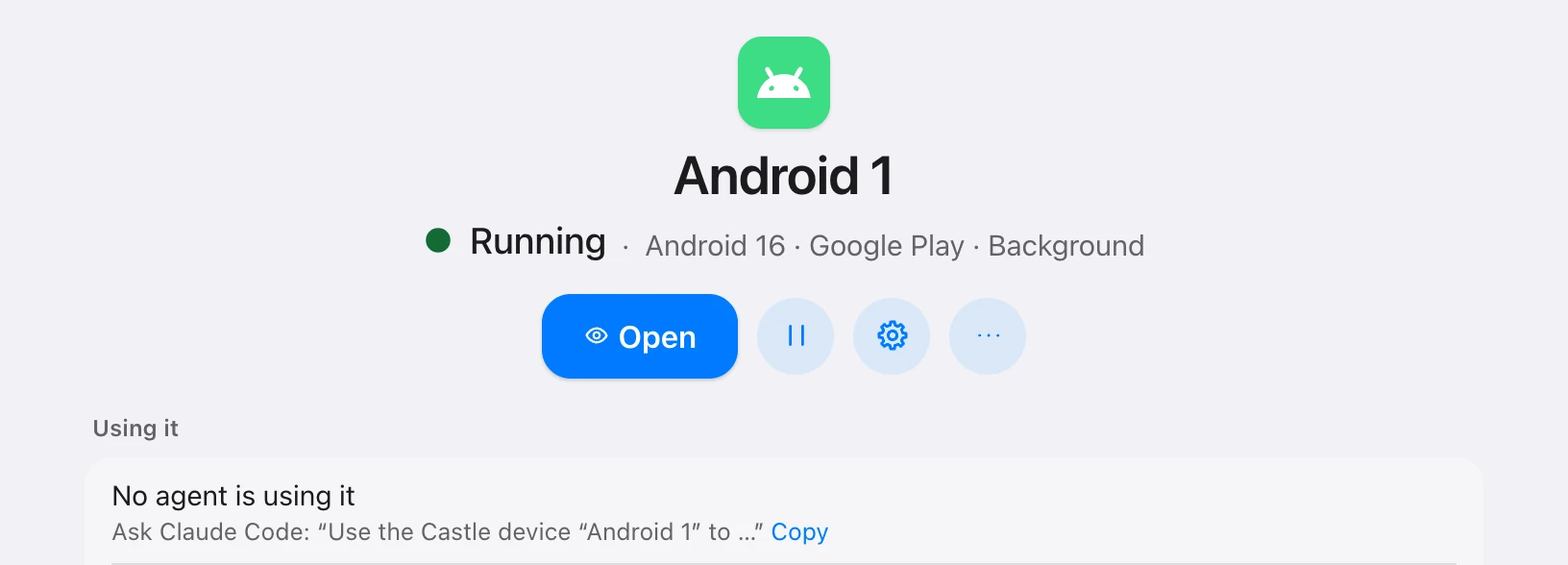
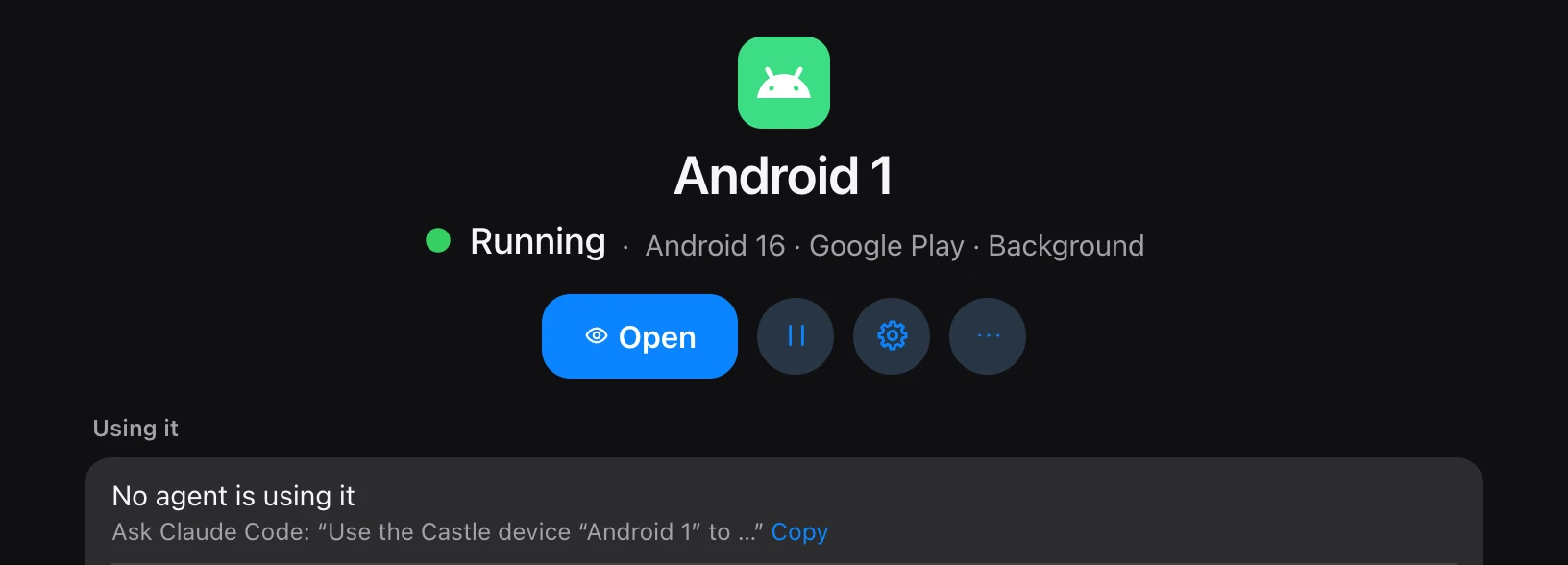
An Android runs in the background, and you can open its screen in a window. A Windows 11 device is a Windows PC of its own, also in the background. Kinds of devices says what each can and cannot do.
No agent yet? You can stop here and click around. A device page with no agent on it also shows a line to copy, to ask your agent to use that device.
Next
Connect your agent, so it can make and use devices too.