

What Castle is
Castle gives your AI agent devices of its own on your Mac, and keeps them ready. What it does, what you see, and what it is not.
By the end of this page you will know what Castle does, what you will see when it does it, and what it leaves to other tools.
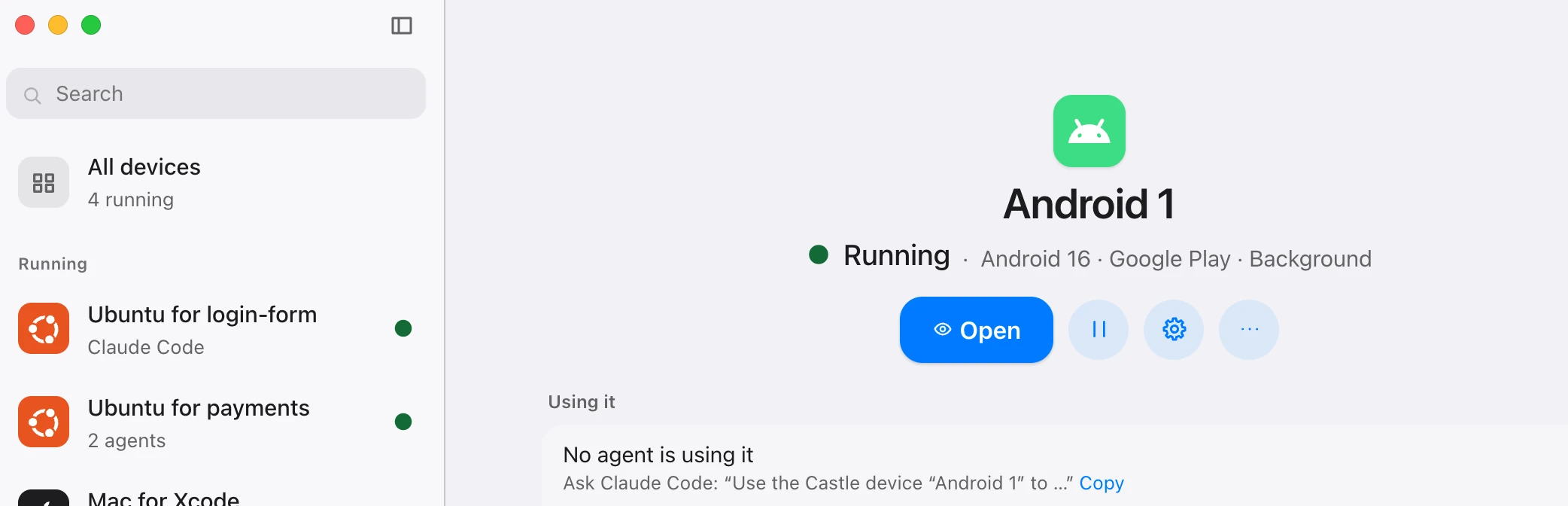
Castle gives AI agents on-call devices. When your agent needs a Mac, an Ubuntu, a Windows 11 or an Android device to run something, it asks Castle. Castle hands it one, or makes one. Castle is a native Mac app with a menu bar item and a command line.
How it works
- Your agent asks Castle for a device by kind.
- Castle gives it a device it can use, or makes a new one.
- The agent uses the device, then gives it back with
done. Castle keeps the device as it is.
Your agent uses the command line or MCP, so there is no new app on its side. You can also ask for devices from a chat inside Castle.
What you see
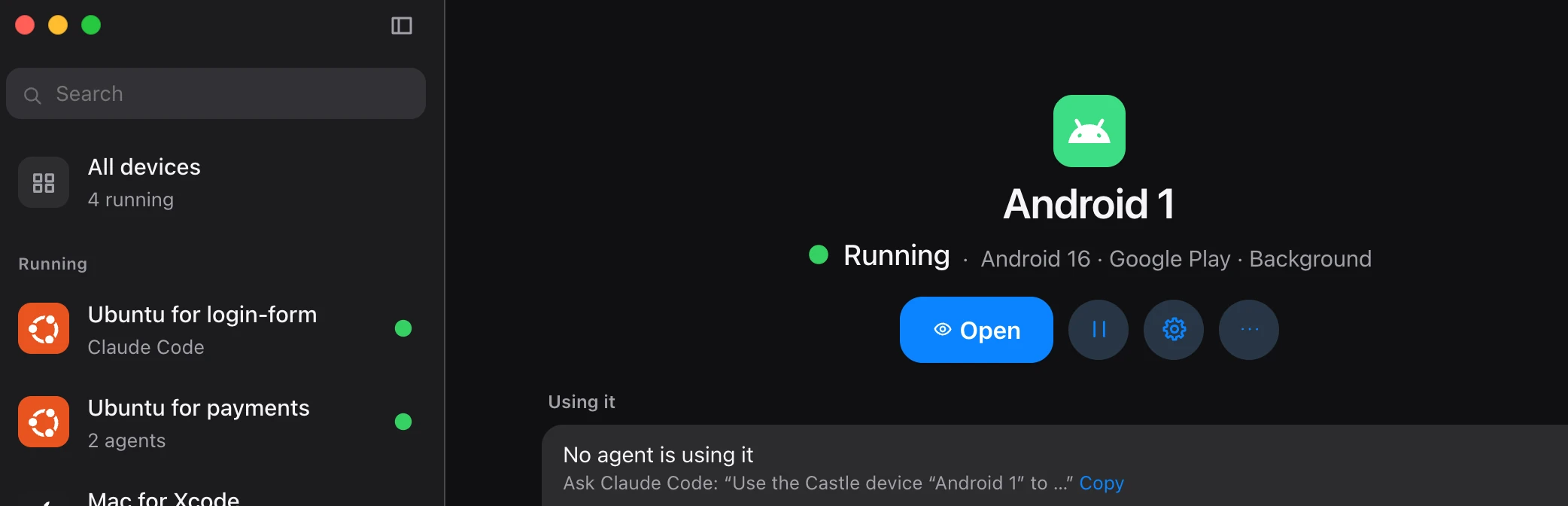
Castle shows every device in one list, with Running, Paused and Off. You can watch the agent work in the device’s window, and use the device at the same time. The Castle item in the menu bar shows which devices are running and who is using each. Castle keeps a record, in plain words, of what an agent did through Castle.
What Castle is and is not
Castle is:
- a place for an agent to work: its own devices, apart from your Mac.
- yours to watch and stop. You can turn agents off for one device, or for all of Castle, any time.
- made by Manly Beach Labs.
Castle is not:
- An agent. It does not do your work. Claude Code, Codex or another agent app does, and uses Castle for somewhere to do it.
- From Anthropic or OpenAI. It works with agents from different makers.
- Your Mac, handed over. A device is separate from your Mac. It sees one of your folders only when you or your agent share it, and never your home, Desktop or Documents as a whole. Your agent app itself runs on your Mac, under its own permissions; Castle doesn’t change what it can do there. In a device, Castle’s settings decide whether it may use it and what it may undo or delete.
- Collecting your data. Castle sends no analytics and no usage data. The only things it asks the internet by itself are the update check, which you can turn off in Settings › General, and, on an activated Mac, the license check at most once a week. See What Castle sends.
- A games machine. It is built for agents to work in.
Next
Check what you need, then install Castle.