

What agents may do
One switch and a level for each device say whether agents may use your devices, and Stop All Agents turns them all off. What an agent can and cannot do.
By the end of this page you will know what your agent can do, what it cannot, and how to stop it at once.
Your agent works in its own device. You can turn agents off for one device, or for all of Castle, any time.
A switch and a level
| Setting | Where | What it does |
|---|---|---|
| Allow agents | Settings › Agents | Off means no agent may use any device or make a new one. It stays as you set it when you restart Castle. |
| A device’s level | The device’s own Settings › Agents | Can’t use, Can use or Can use and clean up (below). |
On a phone, the device’s own setting is a switch, Agents may use this device, not a level.
When agents are off, an agent that asks is told agents are off, for all devices or for that device, and it asks you. See Agents are off. These settings are for agent apps that use Castle, such as Claude Code and Codex.
Stop all agents
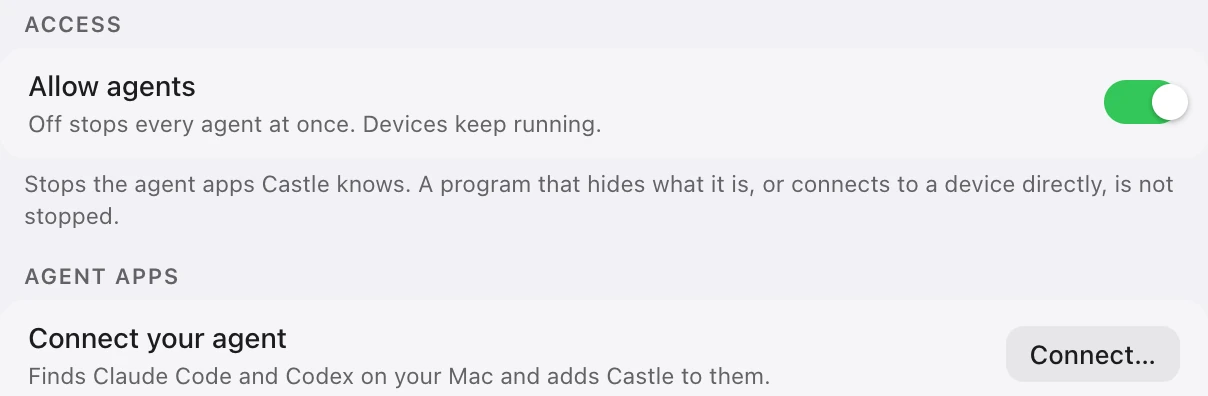
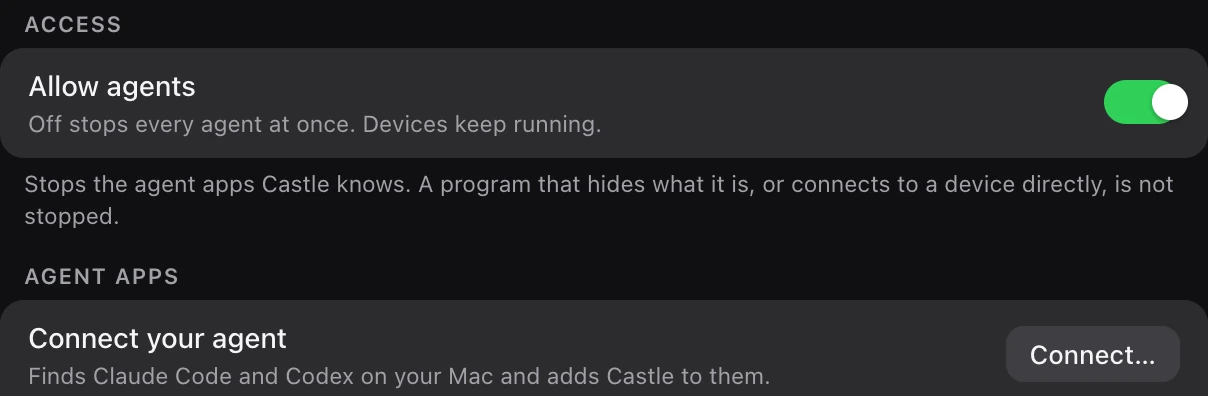
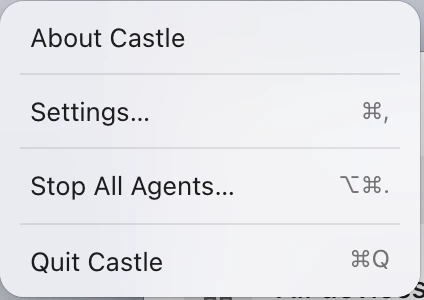
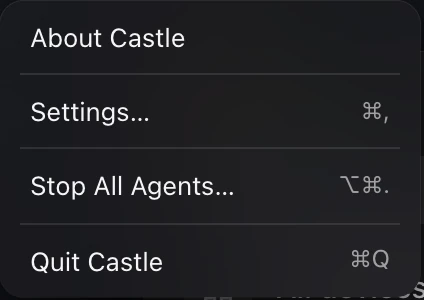
To stop every agent at once, choose Stop All Agents… in the Castle menu. It turns Allow agents off, which you can also do yourself in Settings › Agents. To let them back, press Allow Agents. The devices keep running, and so does anything already running inside them. These settings stop the agent apps Castle knows. A program that hides what it is, or that connects to a device directly, is not stopped.
What a device lets an agent do
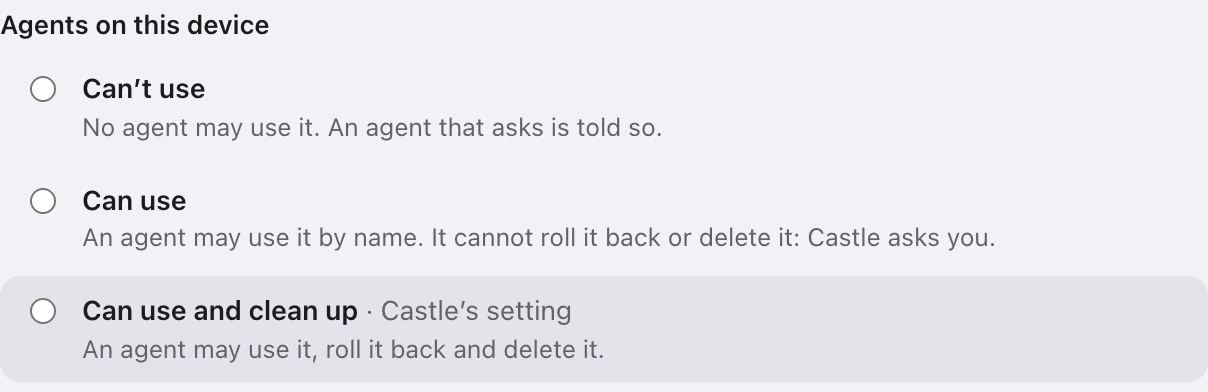
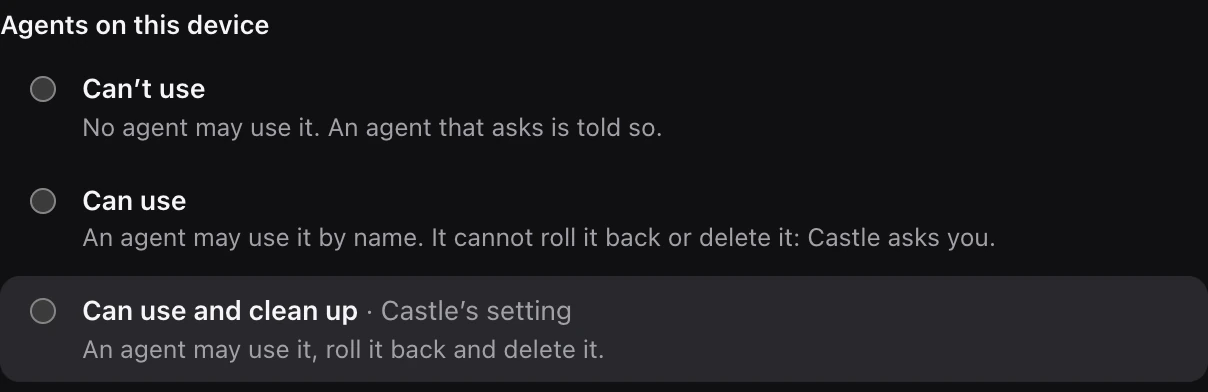
Each device has a level in its Settings › Agents.
- Can’t use. No agent may use it.
- Can use. An agent may use it by name. It cannot roll it back or delete it: it has to ask you.
- Can use and clean up. An agent may use it, roll it back and delete it.
A device an agent makes starts at Can use and clean up: the agent may use it, roll it back and delete it. A device you make starts at Can use. You can change a device’s level at any time, and only you can: an agent that tries is refused.
What an agent can do
In a device, your agent can ask for a device by kind, look at its screen and use it (see the screen, take a screenshot, click and fill in fields), run commands, and give the device back with done. It can ask for the folder of the project it is working on. What it can do depends on the device: see What each device can do.
What an agent cannot do
- Reach your Mac’s files through a device, beyond a folder that is shared with it. A device is separate from your Mac. It sees one of your folders only when you or your agent share it, and never your home, Desktop or Documents as a whole. A device’s network is Open (the internet and your Mac) to start with; you can set it to Offline, and How devices are kept apart says what that cuts on each kind of device. Your agent app itself runs on your Mac, under its own permissions; Castle doesn’t change what it can do there. In a device, Castle’s settings decide whether it may use it and what it may undo or delete.
- Roll back or delete a device that is set to Can use. It has to ask you.
- Use a device set to Can’t use. It is told no.
- Change its own level or the Allow agents switch. Only you can.
What Castle itself never does
Castle never starts, stops, pauses, resets or wipes your own phone. Castle never removes a device or a snapshot on its own: it only does so when you or an agent allowed to do it asks.
A record
Castle keeps a record of what an agent did through Castle, in plain words, with who and when. It shows what went through Castle and what an agent reported, not everything the agent did.
Next
Watch your agent work. If an agent is told no and you do not know why, see Agents are off or get support.