

Clipboard, folders and network
What a device can share with your Mac: the clipboard, folders one at a time, a network setting and open ports. Where to turn each on or off.
By the end of this page you will know what a device shares with your Mac, and where to change it.
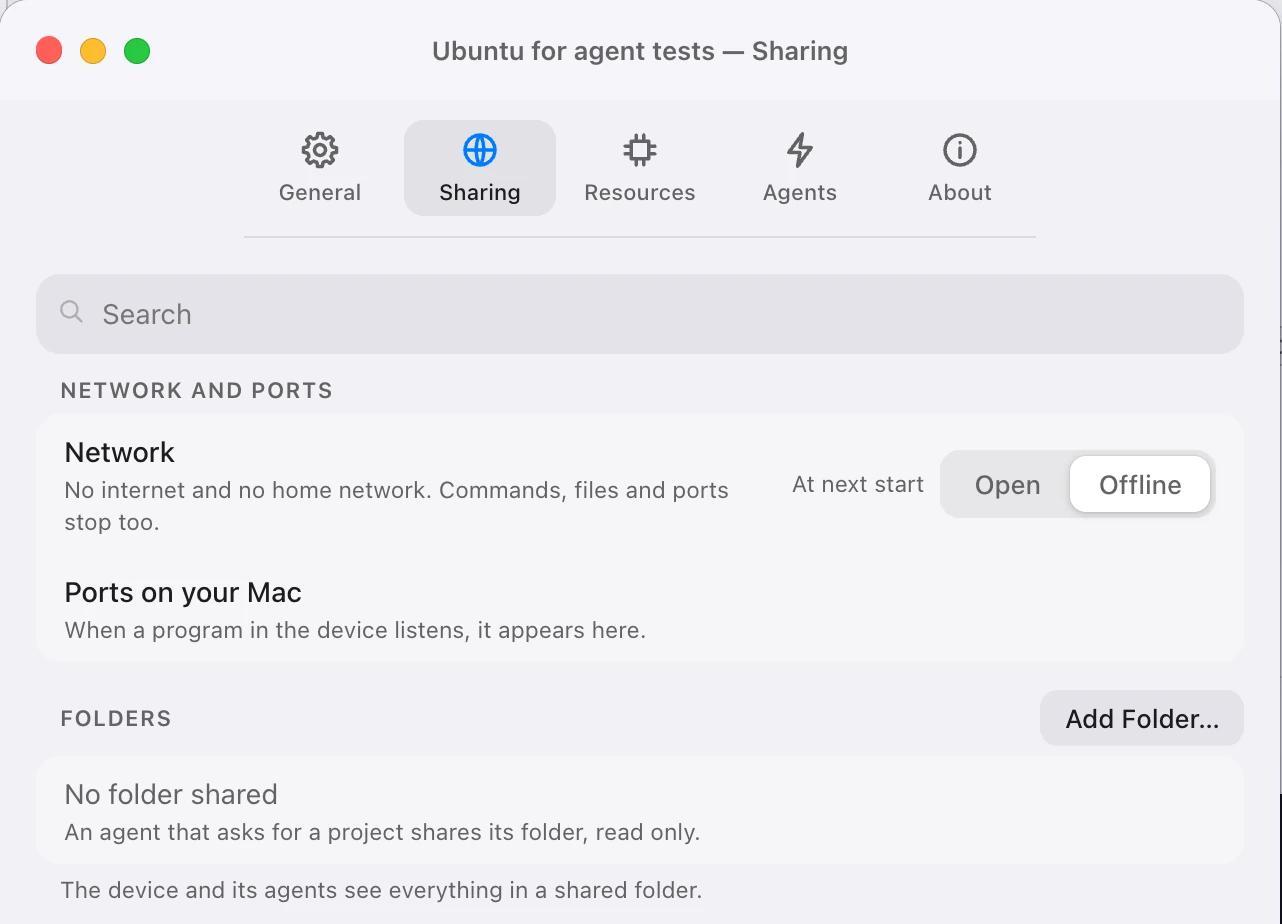
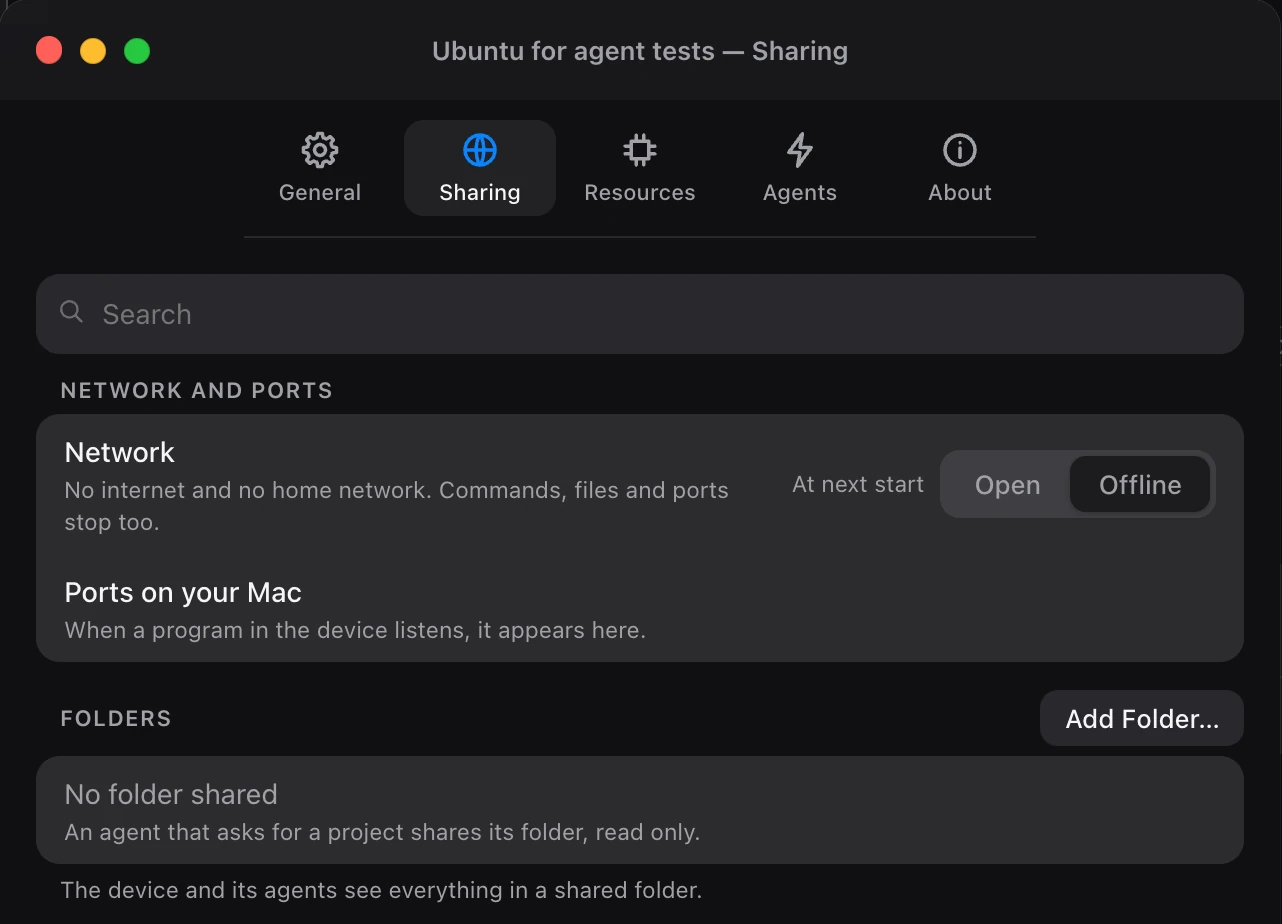
A device is separate from your Mac. It sees one of your folders only when you or your agent share it, and never your home, Desktop or Documents as a whole. What it shares is in the device’s Settings › Sharing.
Clipboard
You can share the clipboard with a device, per device. The window’s bar says Clipboard shared when it is on. Very large text is not shared, and the window says Too large to share.
Folders
Share a folder with a device: folders you choose, and a project folder your agent asks for. A Mac device also has its own folder on your Mac: the row My Shared Files shows whether it is on, and a change takes effect at the next start.
- In Settings › Sharing, choose Add Folder….
- Pick the folder.
On a Mac or Ubuntu device a folder is shared live. On an Android emulator it is shared as a copy. A Mac applies a new folder At next start. When nothing is shared, the page says No folder shared.
Your agent can also ask for the folder of the project it is working on, and get it shared. You see it listed here.
Network
The Network row sets the device’s network to Open (to start with: the internet and your Mac) or Offline. What Offline cuts depends on the kind of device; the row says it, and How devices are kept apart lists each kind.
Ports
To reach a server running in a device from your Mac, open a port to it. Castle shows it as a line on the device page.
Microphone and camera
Where a device has one, you can share a microphone or a camera with it, per device. Only you turn them on.