From Castle’s design prototype. The app is in testing and may differ.
Every system your agent needs.
Castle makes a device for each job, and each one stays apart from your Mac. Make one yourself in one window, or let your agent ask.
Mac
A real macOS device, made and managed by Castle.
Ubuntu
Desktop, with a screen, or Server, for the command line.
Windows 11
A Windows PC of its own. It runs in the background; open its window when you want to look.
Android emulator
Runs in the background, with its screen in a window when you want it.
Your Android phone
The phone in your pocket, too.
Your iPhone
Your agent can look and tap, too.
Devices
One list for all of them.
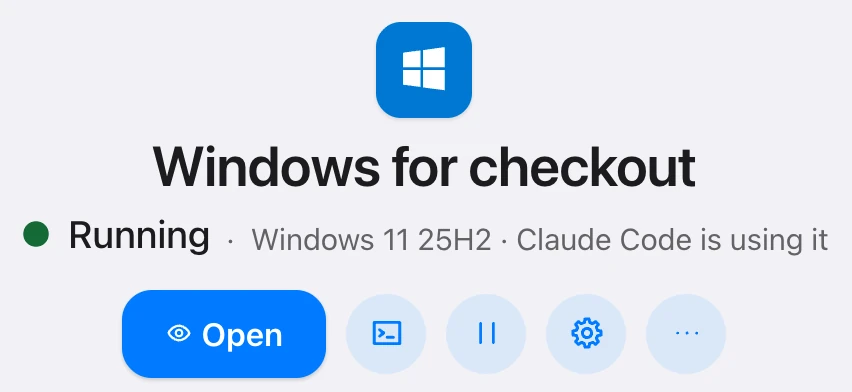
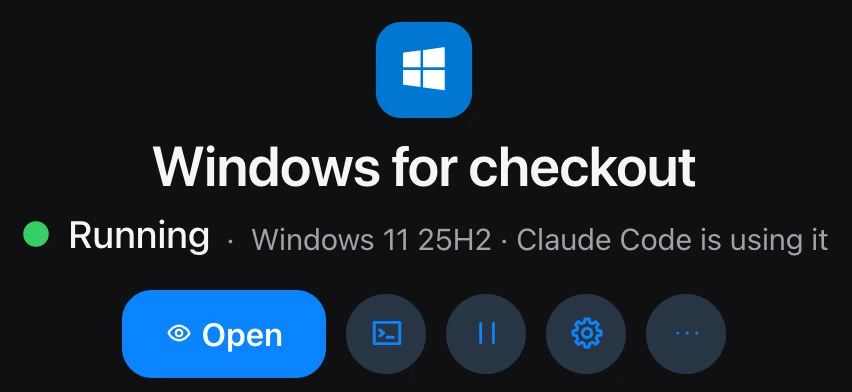
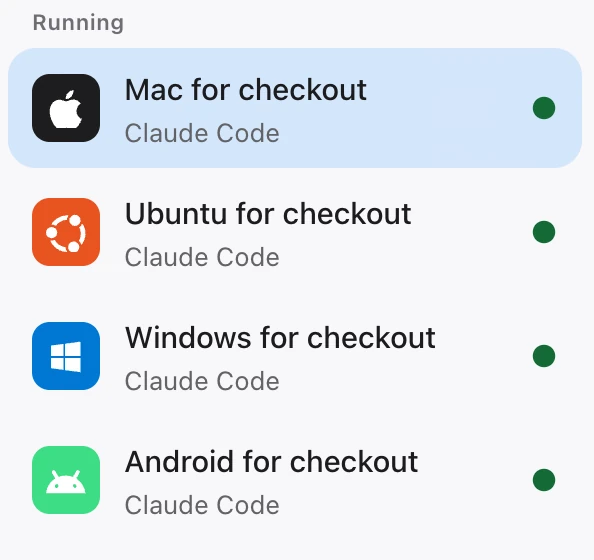
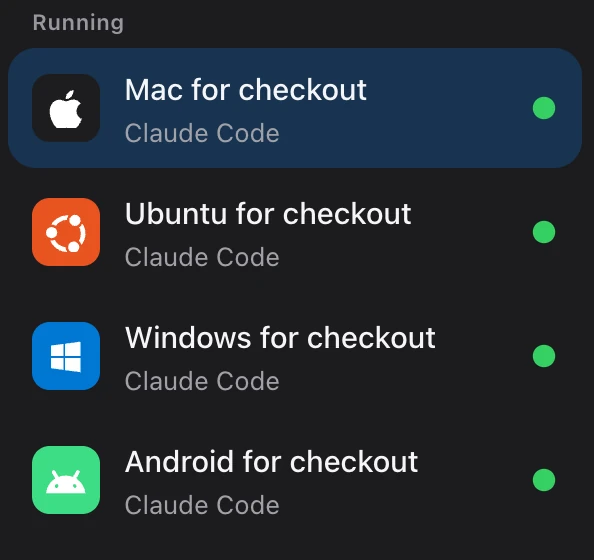
Castle shows every device in one list: running, paused or off, and who is using it.
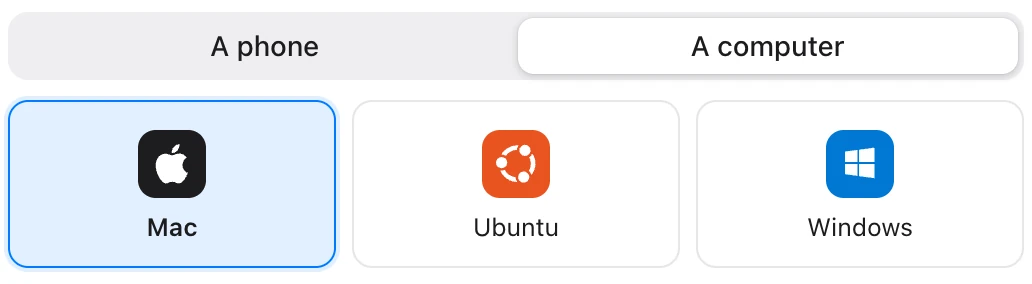
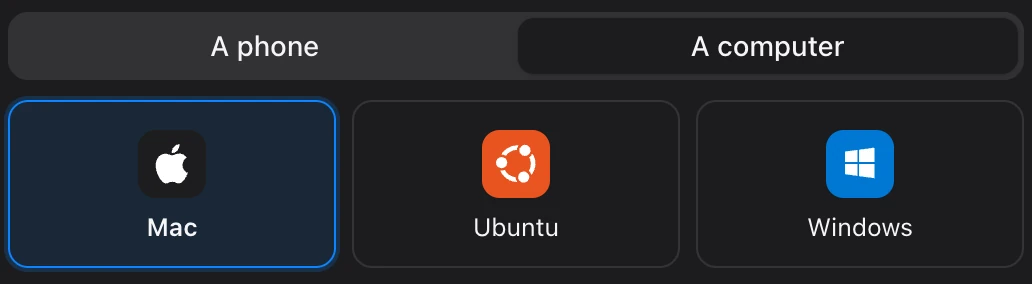
Pick Mac, Ubuntu or Windows in New Device, then a system and a version, and Create. The first one of each kind downloads its system.
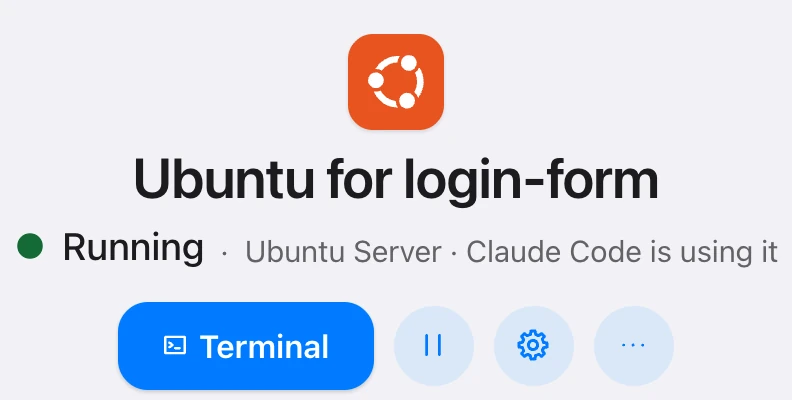
The New Device sheet, the list of devices and the page of a Windows device. From Castle’s design prototype. The app is in testing and may differ.
Phones too. Even yours.
Android or iPhone, an emulator or your own.
Android
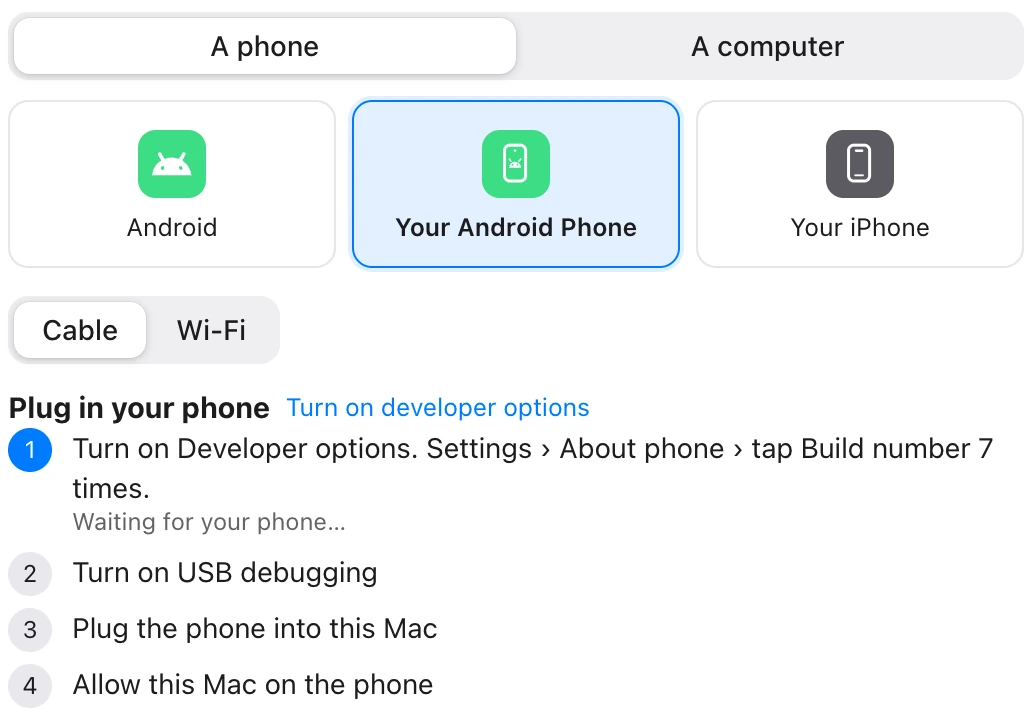
Your phone, on a cable or Wi-Fi.
Add your own Android phone, by USB cable or Wi-Fi, and your agent can see its screen, tap, type, open apps and run commands.
iPhone
Your iPhone, through Mirroring.
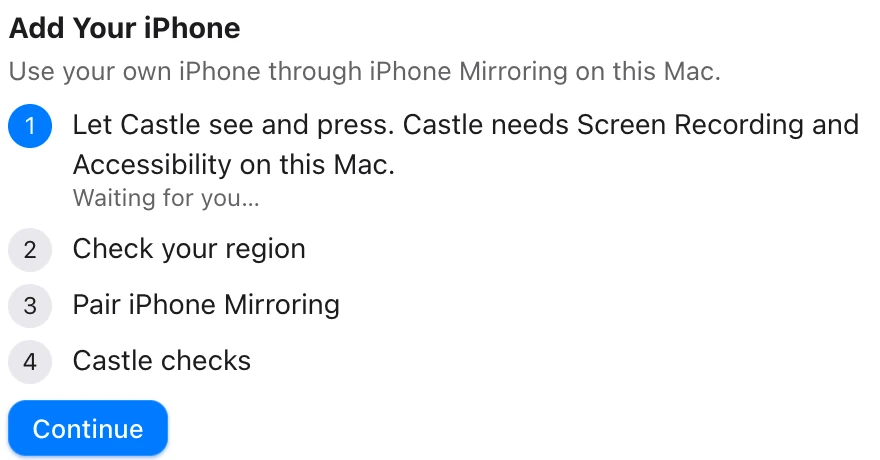
Add your own iPhone through Apple’s iPhone Mirroring on your Mac, and your agent can look at it, tap, swipe, scroll and type.
It is one Mac and one iPhone at a time, and Apple does not offer iPhone Mirroring in every region. Every action brings the mirror window forward on your Mac.
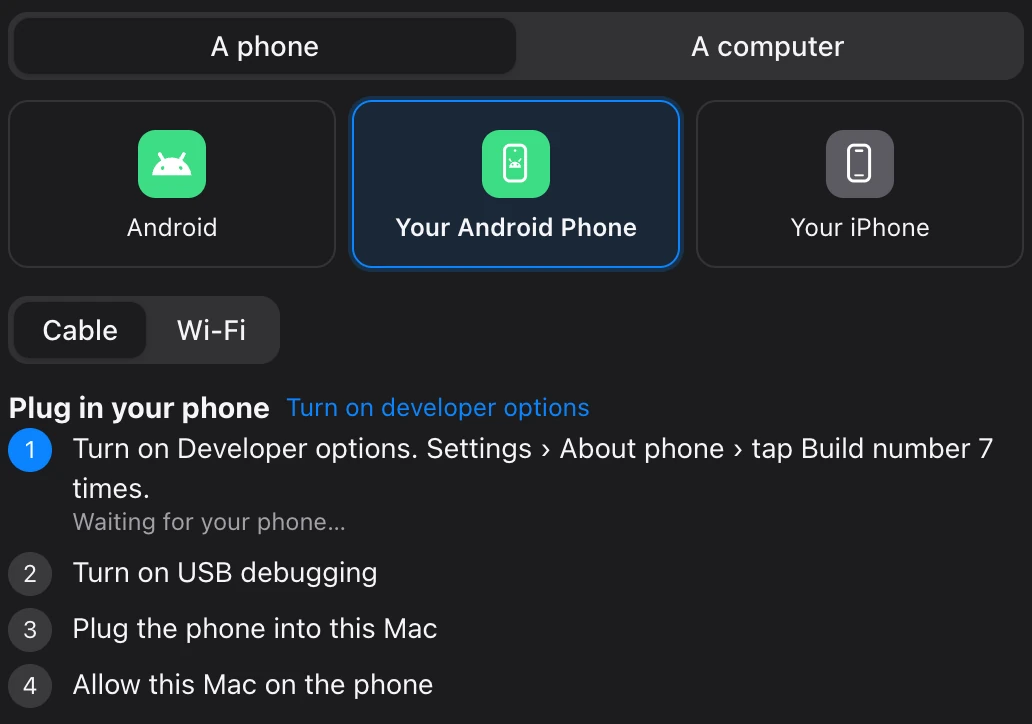
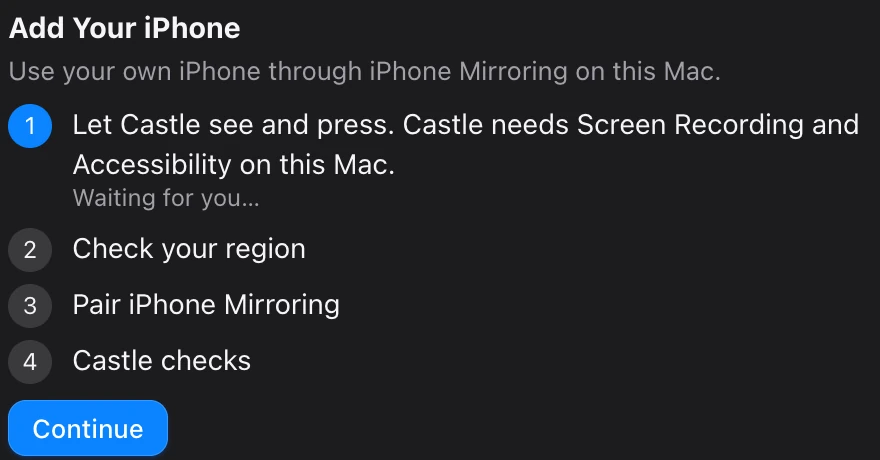
The New Device sheet for your own Android phone, and for your iPhone. From Castle’s design prototype. The app is in testing and may differ.
Castle never starts, stops, pauses, resets or wipes your own phone.
If the phone is locked, Castle’s guide tells your agent to say so and stop.
Devices eat memory and disk. Castle keeps watch.
Every device that runs holds real memory on your Mac, and every system and device takes disk. Run a few and your Mac runs short. Here is what Castle does about it.
Memory
Quiet devices pause and give memory back.
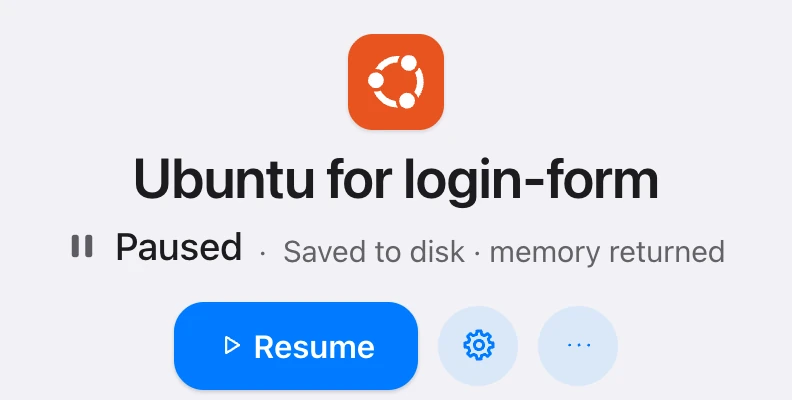
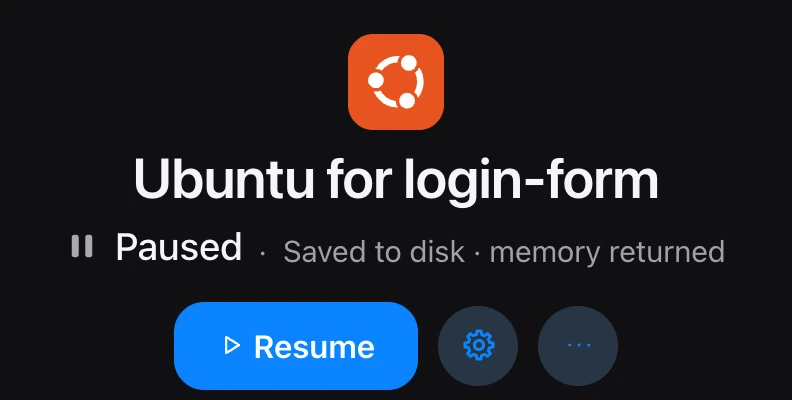
Pause saves a device to disk and gives its memory back. The next command that needs the device wakes it, and the answer says so.
A device an agent made rests after a few quiet minutes, and your agent gets back the device it left instead of piling up new ones. You can change the time, or turn it off, in the device’s settings.
The same device, in use and then paused. From Castle’s design prototype. The app is in testing and may differ.
This Mac
Castle says when your Mac is short.
The All devices page has a This Mac card: how much of your Mac’s memory and disk Castle’s devices hold, and a notice when the Mac is short of memory or the disk is almost full.
Castle never refuses a start because of memory or disk, and never turns off, pauses or removes another device to make room. It tells you, and it tells your agent how much room there is.
Disk
Clear room, and be asked first.
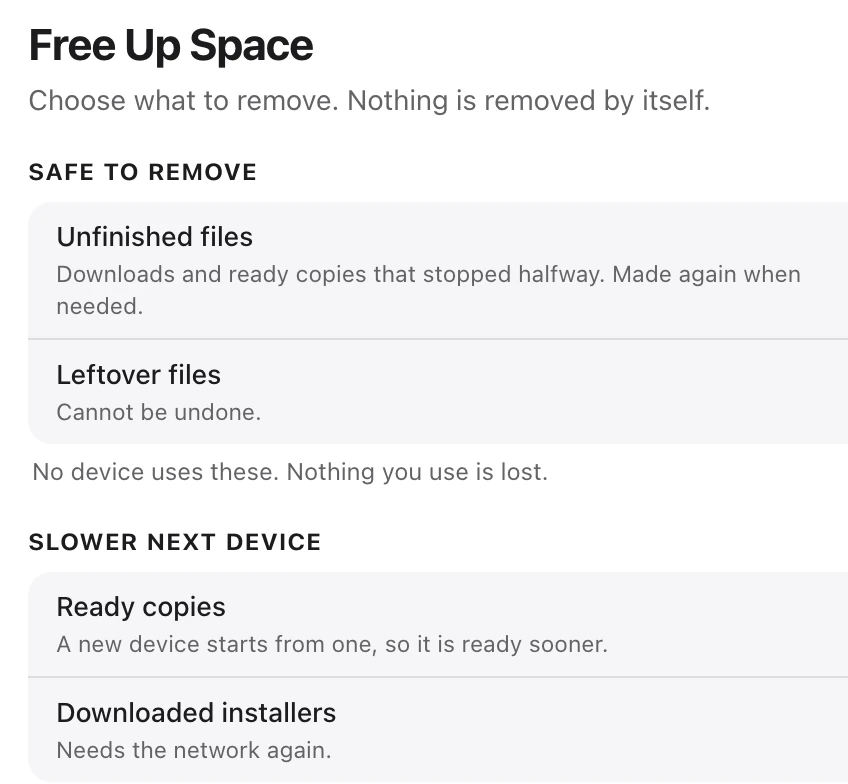
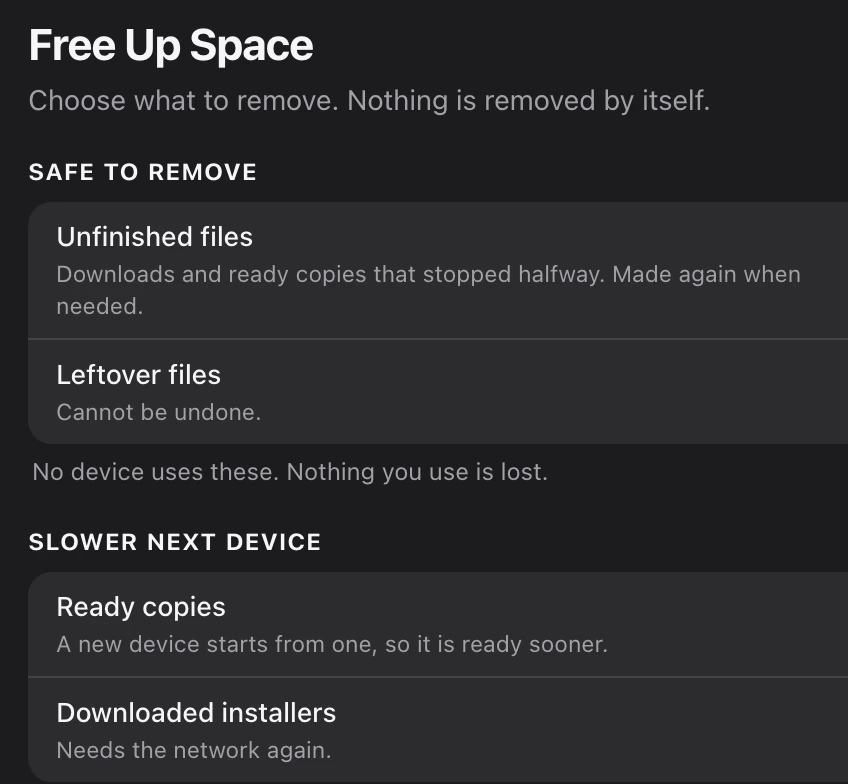
Free Up Space lists what Castle holds that can go, and asks before it removes anything. Castle never removes a device or a snapshot on its own.
Pausing trades memory for disk: a paused device keeps its saved state on your disk, and Free Up Space can clear it.
A copy of a device shares space with what it was made from where your disk allows, and a new device can start from a ready copy, with no second install.
The Free Up Space sheet, and the two notices of the This Mac card. From Castle’s design prototype. The app is in testing and may differ.
Built to keep an agent’s reading short.
Skills and guides
One skill. A guide for each system and job.
Connect Claude Code or Codex and it gets a short Castle skill and 19 guides. Each guide is short, and your agent reads one only when a job needs it.
os-ubuntu
os-ubuntu-server
os-macos
os-windows
os-android
os-iphone
job-web
job-app
job-install
job-run
job-look
job-device
job-space
tool-observe-act
tool-exec-files
tool-agent-desktop
errors
setup
run
Words first. Then pictures.
Your agent looks at a screen as text first, picks things by reference, and takes a picture only when the text is empty or when it is asked.
After a click or a fill, Castle can wait for the screen to settle and tell your agent what changed. It keeps its answers short on purpose.
Mac and Ubuntu Desktop devices also have agent-desktop, a separate tool that reads a screen as a tree with references. Your agent reaches it through Castle. Castle is not affiliated with its makers.
Reading a screen
# look at the screen, as words
castle observe --text# or list what can be pressed, with references
castle observe -i@e1 [textbox] "Search or type URL" id=url_bar editable
@e2 [button] "Tabs" desc="Switch or close tabs"# fill in a field, press a button, wait for the screen to settle
castle fill @e1 "example.com" --enter
castle click @e2 --settle# a picture, only when it is needed
castle screenshot --out screen.png
# agent-desktop, on Mac and Ubuntu Desktop
castle agent-desktop snapshot -i
The commands, and the shape of what comes back, are from Castle’s own command line guide.
On call, and easy to undo.
A device is there when an agent asks. Save a point first, and roll back if it goes wrong.
Agents
Connect once. Then just ask.
Connect Claude Code or Codex to Castle in one press, or with one command. Any other agent app that speaks MCP can use Castle’s tools too.
A device nobody is using shows a line to copy, such as “Ask Claude Code: Use the Castle device …”. Paste it to your agent and it knows which device you mean.
Connect, then the tools
# connect Claude Code or Codex
castle integrate claude
castle integrate codex
# any other agent app that speaks MCP
castle mcp serve
# six of the tools an agent getscastle_guide castle_use castle_status
castle_observe castle_act castle_done
The commands and tool names are from Castle’s own command line guide.
On call
The agent asks. Castle answers.
An agent asks Castle for a device by kind. Castle hands it one it can use, or makes one. When the agent is done, it gives the device back.
If the agent comes back to the same project, it gets the device it left, with what it left inside.
An agent's session
# ask for an Ubuntu device, and save a point first
 castle use --os ubuntu --for "fix the login form"
 castle snapshot save before-the-fix

# work in it, and reach its server from your Mac
 castle exec -- npm test
 castle net forward 3000

# give it back
 castle done --result "tests pass"
# Activity: Claude Code is done: “tests pass”
The commands, and the line Activity shows, are from Castle’s own command line guide.
Roll back
Roll it back. Or wipe it.
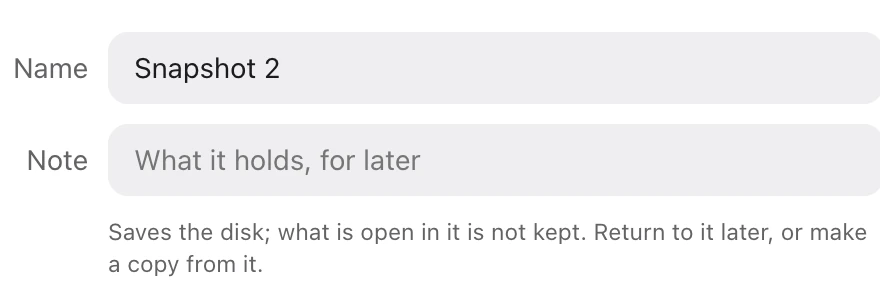
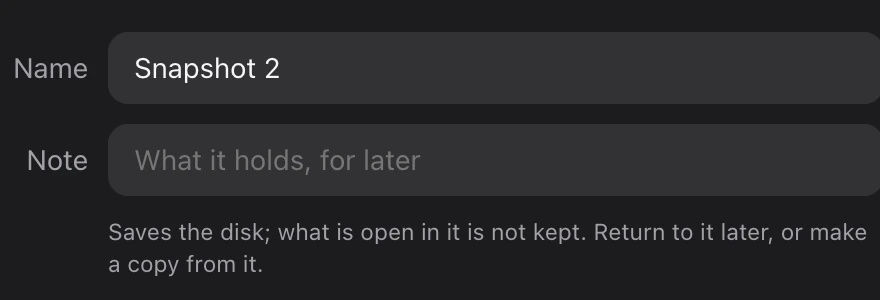
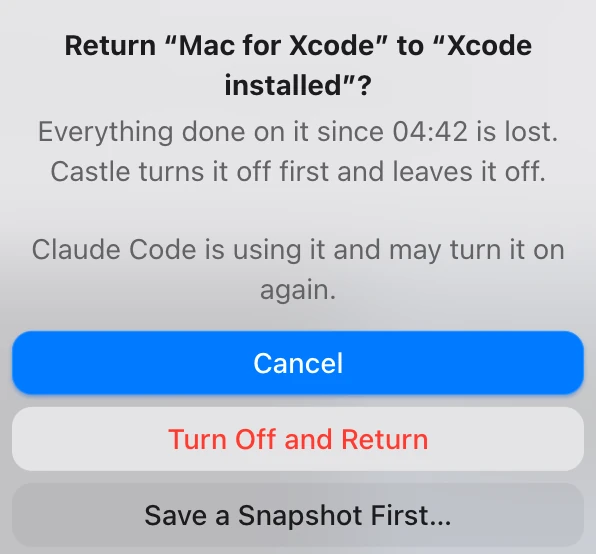
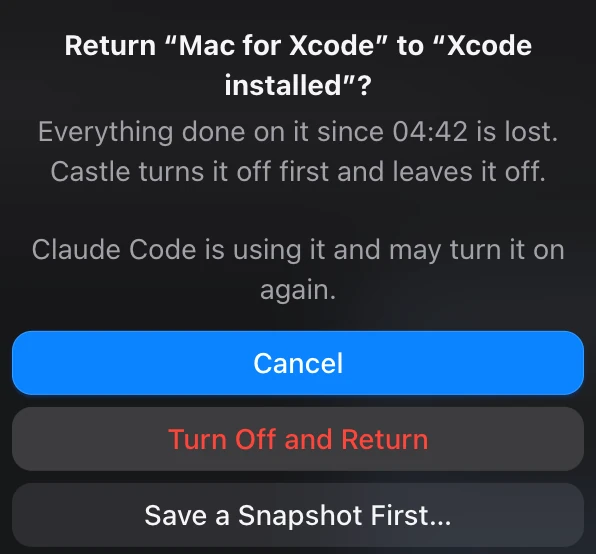
Save a snapshot before the agent starts. If it makes a mess, return the device to it. Castle never saves one by itself, and it asks before it returns, because everything done since is lost.
Or wipe the device and start clean. Snapshots are offered where the device can keep them.
From Castle’s design prototype. The app is in testing and may differ.
Record
See who uses what.
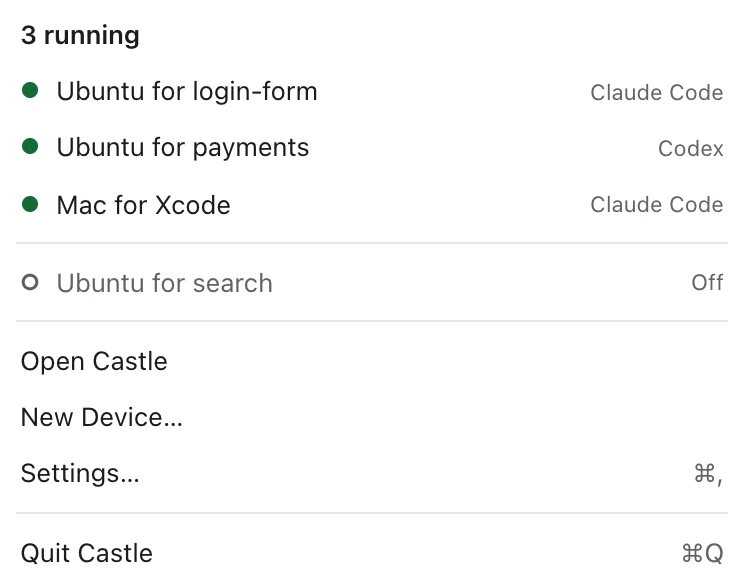
Castle sits in your Mac’s menu bar. It shows which devices are running, and who is using each.
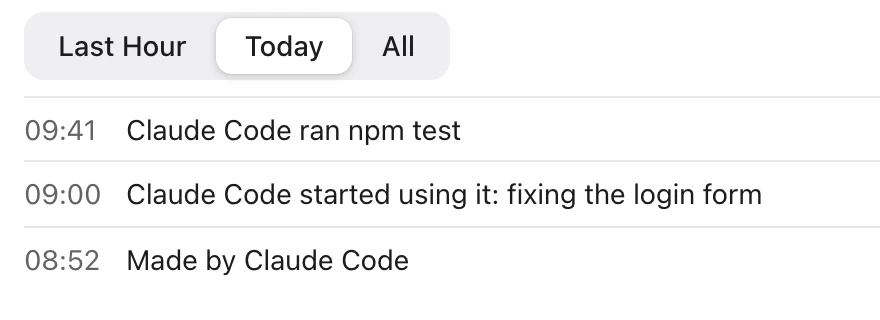
Castle keeps a record of what an agent did through Castle, in plain words, with who and when.
From Castle’s design prototype. The app is in testing and may differ.
Your Mac stays yours.
Each agent works in a device of its own. You can see what it is doing, and you can turn agents off whenever you like.
Kept apartA device is separate from your Mac. It sees one of your folders only when you or your agent share it, and never your home, Desktop or Documents as a whole.
You decideTurn agents off for one device, or for all of Castle, any time.
Terms are yoursSome systems ask you to agree to their maker’s terms. Castle asks you, and an agent that needs it waits.
Made for MacA native Mac app with a menu bar item and a command line.
And the small things.
Make a copy
Copy a Mac, Ubuntu or Android device as it is now, or from a saved point.
Open a port
Reach a server running in a device from your Mac.
Share a folder
One folder at a time: live on a Mac or Ubuntu device, as a copy on an Android emulator.
Live settings
Some settings change while a device runs. The rest wait for the next start.
Chat in Castle
Ask your agent for devices from a chat in Castle.
Awake and ready
Two settings for each device: keep your Mac awake while it runs, and start it when Castle starts.
Start in three steps.
Castle is not out yet. This is how it will go.
1
Install CastleWhen it ships. Until then, reserve and we will write.
2
Connect your agentClaude Code or Codex, in one press.
3
Ask for a deviceYour agent asks by kind, or you make one yourself in New Device.
An Apple silicon Mac
macOS 26 or later
An agent that can use a command line or MCP
Questions
Can I run a lot of Macs at once?
Apple's license lets two Macs run at once; Ubuntu, Windows and Android devices aren't limited by it. Castle tells you before a third Mac, and never queues it.
How much is it?
Not decided yet. Reserving takes no payment.
Is it from Anthropic or OpenAI?
No. Castle is made by Manly Beach Labs and works with agents from different makers: Claude Code and Codex.
Be early. Reserve yours.
Tell us you want one. No payment today. We will write when it is ready.
Got it.
We will write to that address when Castle is ready. No payment was taken.