

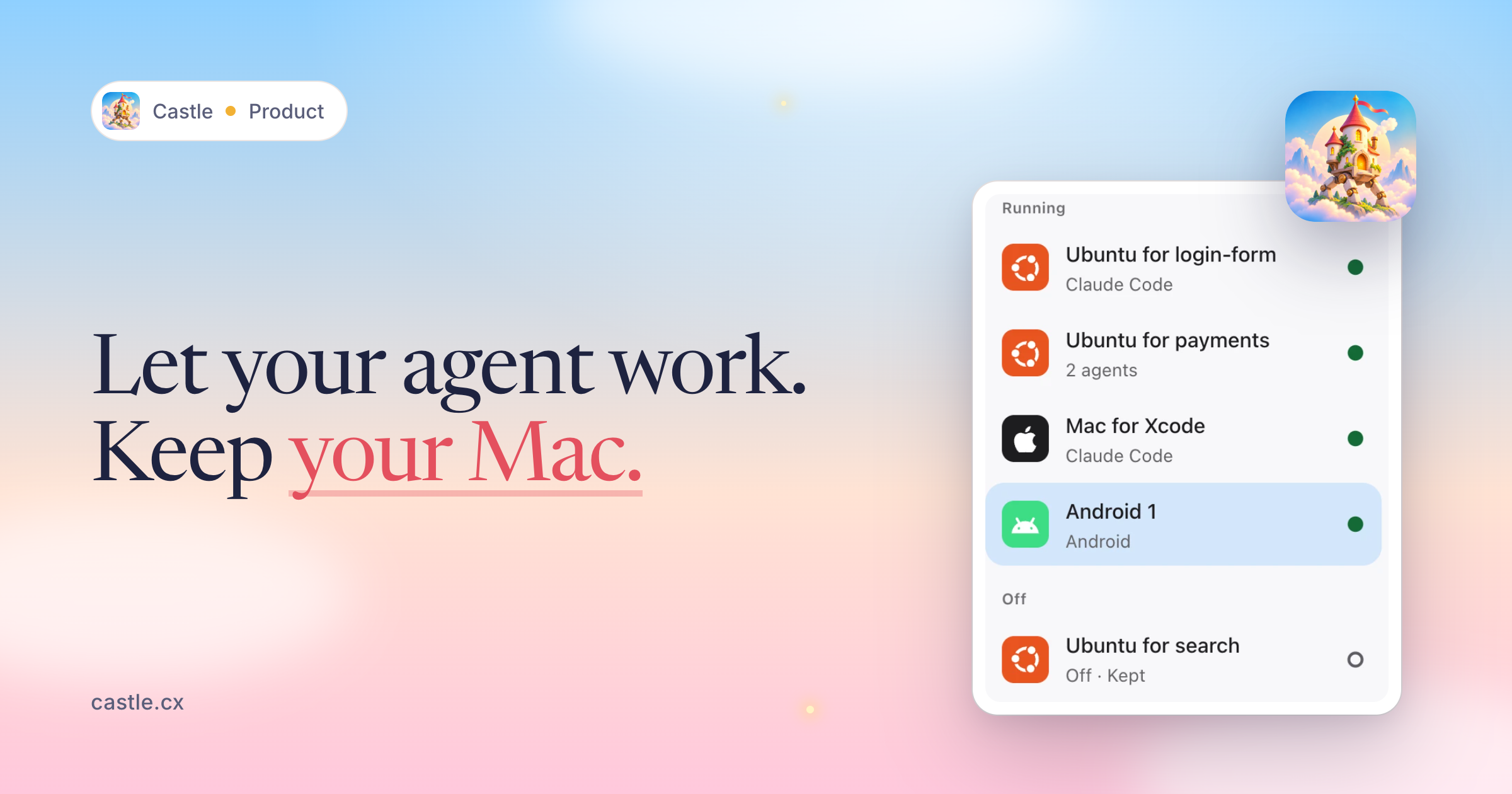
You'd like to hand an agent a job and walk away without crossing your fingers. Castle is a Mac app built for that. It gives each AI agent a device of its own, so the work happens over there, not on your desk. Here's what you get, in plain words.
What you get
Room to walk away. A device is separate from your Mac. It sees one of your folders only when you or your agent share it. You can watch the agent work in the device's window and use it at the same time, or switch agents off, for one device or for all of Castle.
An undo button. Save a snapshot before the agent starts, and go back to it if things go wrong. A snapshot returns the device, not a folder you shared with it. A return always needs a clear yes, and Castle never saves a snapshot on its own.
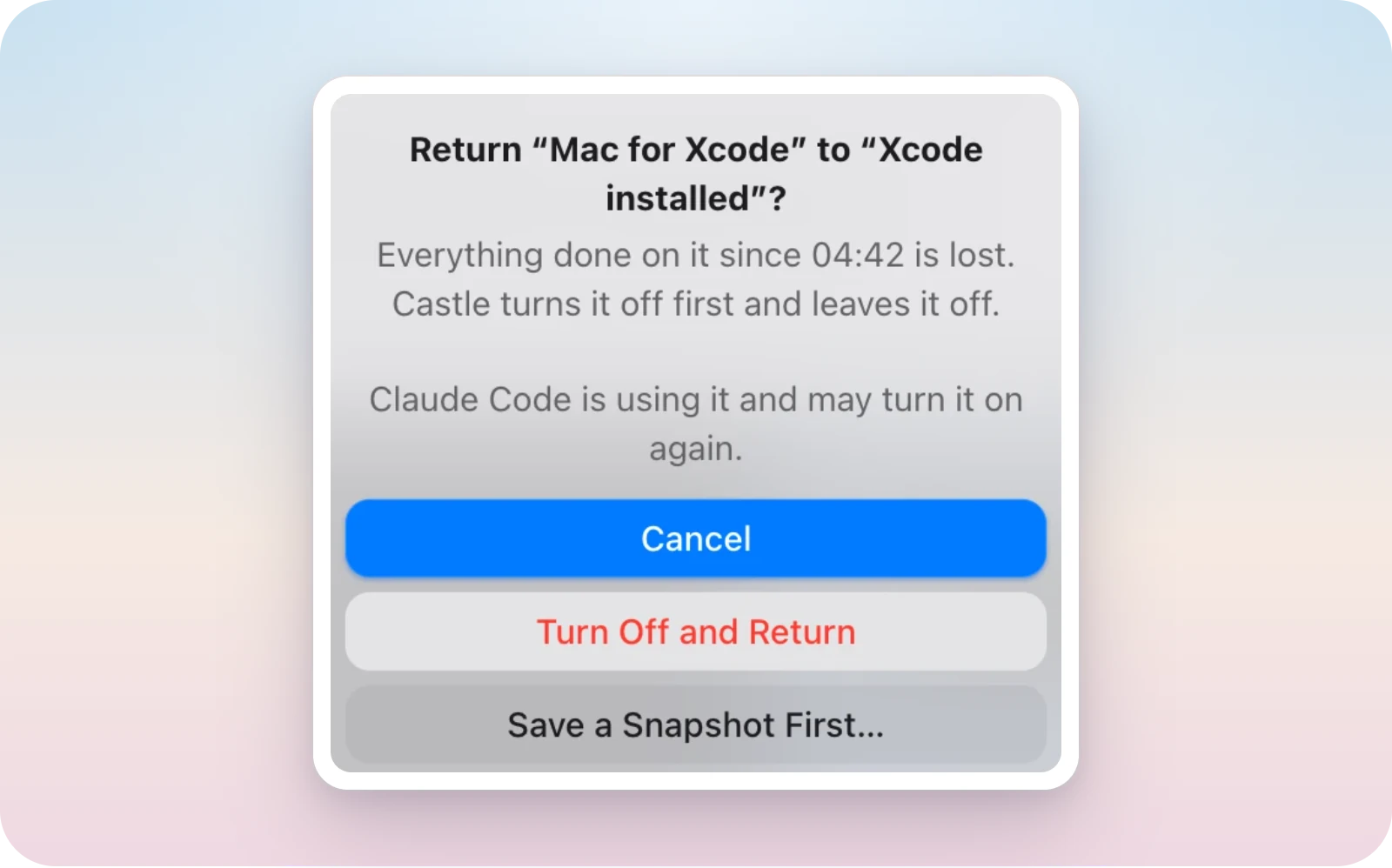 From Castle's design prototype. The app is in testing and may differ.
Fewer collisions. Give each agent a device of its own, and ports, installs and simulators stay apart.
The right computer for the job. A Mac, Ubuntu Desktop, Ubuntu Server or an Android phone. The agent asks for the kind it needs.
A heads-up before your Mac runs short. A device an agent made rests when it's quiet, and you can change how long it waits. Castle also tells you, and tells your agent, when your Mac is short of memory or almost out of disk. It never turns another device off to make room.
A clear record. Castle keeps a note of what an agent did through Castle, in plain words, with who and when. The menu bar shows which devices are running and who is using each.
Privacy. Castle sends no analytics and no usage data.
A day with an Android phone
Say you ask Claude Code to try your app on an Android phone. It asks Castle for one, opens the app there and gives the phone back with a one-line result. You were out for a walk.
Later you open Castle, and the list tells you what happened. The phone is resting, waiting for the next job. That's the idea: the agent gets on with it, and you stay in charge without hovering. If you'd rather it stopped, the switch is right there.
Who it's for
If you run Claude Code or Codex on a Mac and ever hesitated before pressing Enter, Castle is for you. It's also for you if you build apps and want an agent to try them on an Android phone, or if two agents have ever stepped on each other's work.
How it works
Your agent asks, uses, and gives back:
castle use "<device>" --for "<task>"
castle observe --text
castle done --result "<one line>"
You don't have to type these. Connect Claude Code or Codex in one press and they'll do it for you. Other agent apps can use Castle over MCP or the command line. A guide is built in, so an agent that has never seen Castle can read it and get going.
The honest bits
- You need a Mac with Apple silicon, on macOS 26 or later.
- Snapshots work where a device can keep one.
- Devices use real memory while they run. Apple's license limits how many Mac devices can run at once; Ubuntu and Android aren't held to that.
- We haven't measured how many devices a Mac can hold, so we won't hand you a number. When we have one, we'll say so.
Give it a try at castle.cx. And tell us what your agent needed that it couldn't have. We'd love to hear it.
Castle is independent. It is not affiliated with Anthropic or OpenAI.